

Prerequisites
- VS Code installed
- An AIOHub API key
- Sufficient account balance
Extension overview
The two extensions use different protocols and configurations. They do not conflict and can be installed side by side: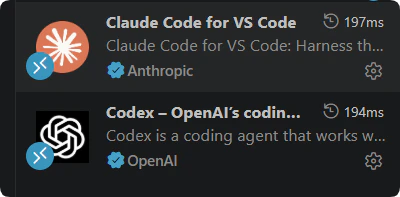
| Extension | Protocol | Base URL |
|---|---|---|
| Claude Code | Claude Messages | https://api.aiohub.org |
| Codex | OpenAI Responses | https://api.aiohub.org/v1 |
Claude Code extension
Claude Code is Anthropic’s official VS Code extension, providing AI chat, code editing, and terminal capabilities.Configure environment variables
The Claude Code extension uses the same environment variables as the Claude Code CLI. Add to 
You can also set terminal environment variables in VS Code
~/.zshrc or ~/.bashrc:source ~/.bashrc (or source ~/.zshrc), then restart VS Code.On Windows, add system environment variables:| Variable | Value |
|---|---|
ANTHROPIC_BASE_URL | https://api.aiohub.org |
ANTHROPIC_AUTH_TOKEN | sk-your-api-key |
settings.json:Choose a group
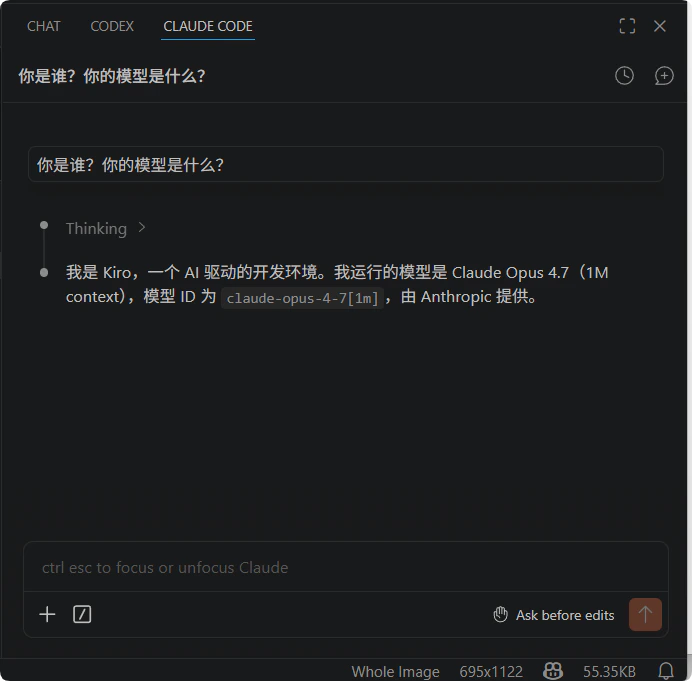
Your API key’s group determines which models are available and at what price. Recommended groups for Claude Code:
See Groups for details.
| Group | Notes |
|---|---|
claude-bedrock | Stable, supports prompt caching, higher price |
claude-kiro | Lower price, occasional downtime, no cache support |
anthropic | Standard Anthropic route |
Codex extension
Codex is OpenAI’s official VS Code extension for AI-assisted programming.Create the config file
The Codex extension reads from the same 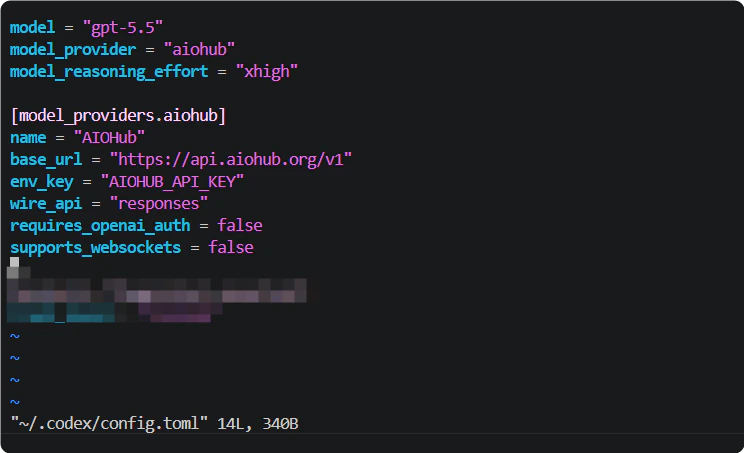
~/.codex/config.toml as the CLI. If you already followed the Codex CLI setup, the extension picks it up automatically and you can skip this step.If not yet configured, create ~/.codex/config.toml:Set the environment variable
Add the API key to 
~/.bashrc or ~/.zshrc:base_url must include /v1. Codex uses the OpenAI Responses API, which differs from Claude Code’s endpoint.Choose a group
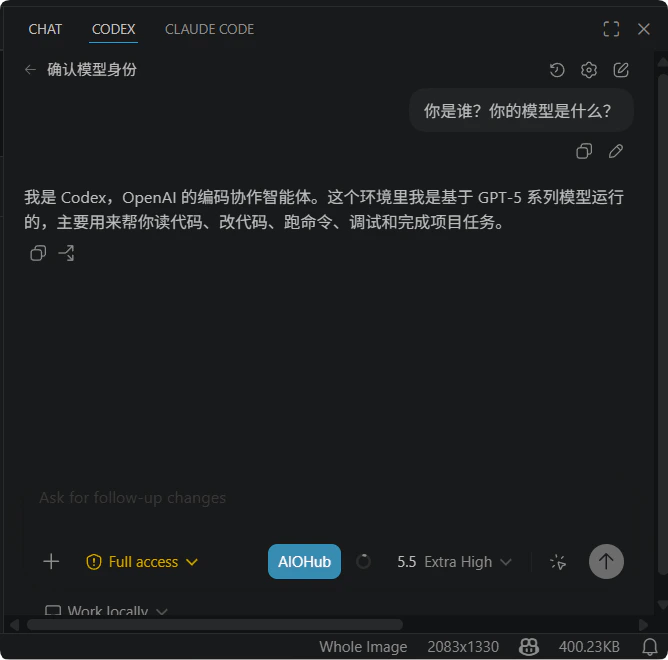
Your API key’s group determines which models are available and at what price. Recommended groups for Codex:
See Groups for details.
| Group | Notes |
|---|---|
codex | Gateway relay, compatibility-first |
codex-passthrough | Direct pass-through, low latency |
FAQ
Extension does nothing after install
Extension does nothing after install
Confirm VS Code version ≥ 1.90. Some extensions require a recent VS Code version. Restart VS Code and try again.
Claude Code extension asks to log in
Claude Code extension asks to log in
Confirm
ANTHROPIC_AUTH_TOKEN is set and VS Code can read it. Run echo $ANTHROPIC_AUTH_TOKEN in the VS Code integrated terminal to verify.Codex extension connection fails
Codex extension connection fails
Check that
base_url in ~/.codex/config.toml is https://api.aiohub.org/v1 and the AIOHUB_API_KEY environment variable exists.Can I use both extensions at the same time?
Can I use both extensions at the same time?
Yes. Claude Code and Codex use different protocols and configurations. They do not conflict and you can switch between them as needed.
Insufficient balance
Insufficient balance
Check your balance at wallet management. See Add funds.