

Add funds
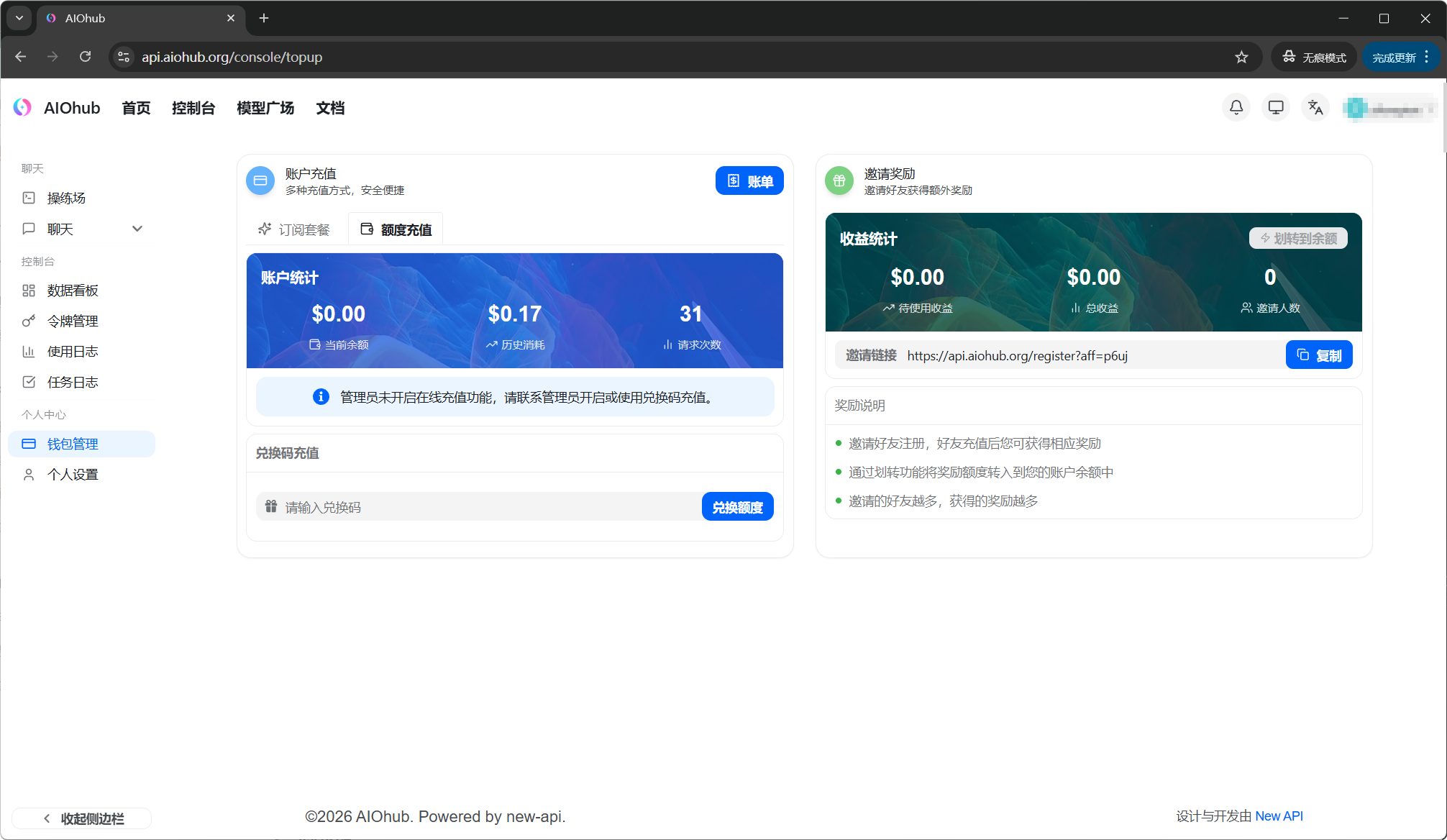
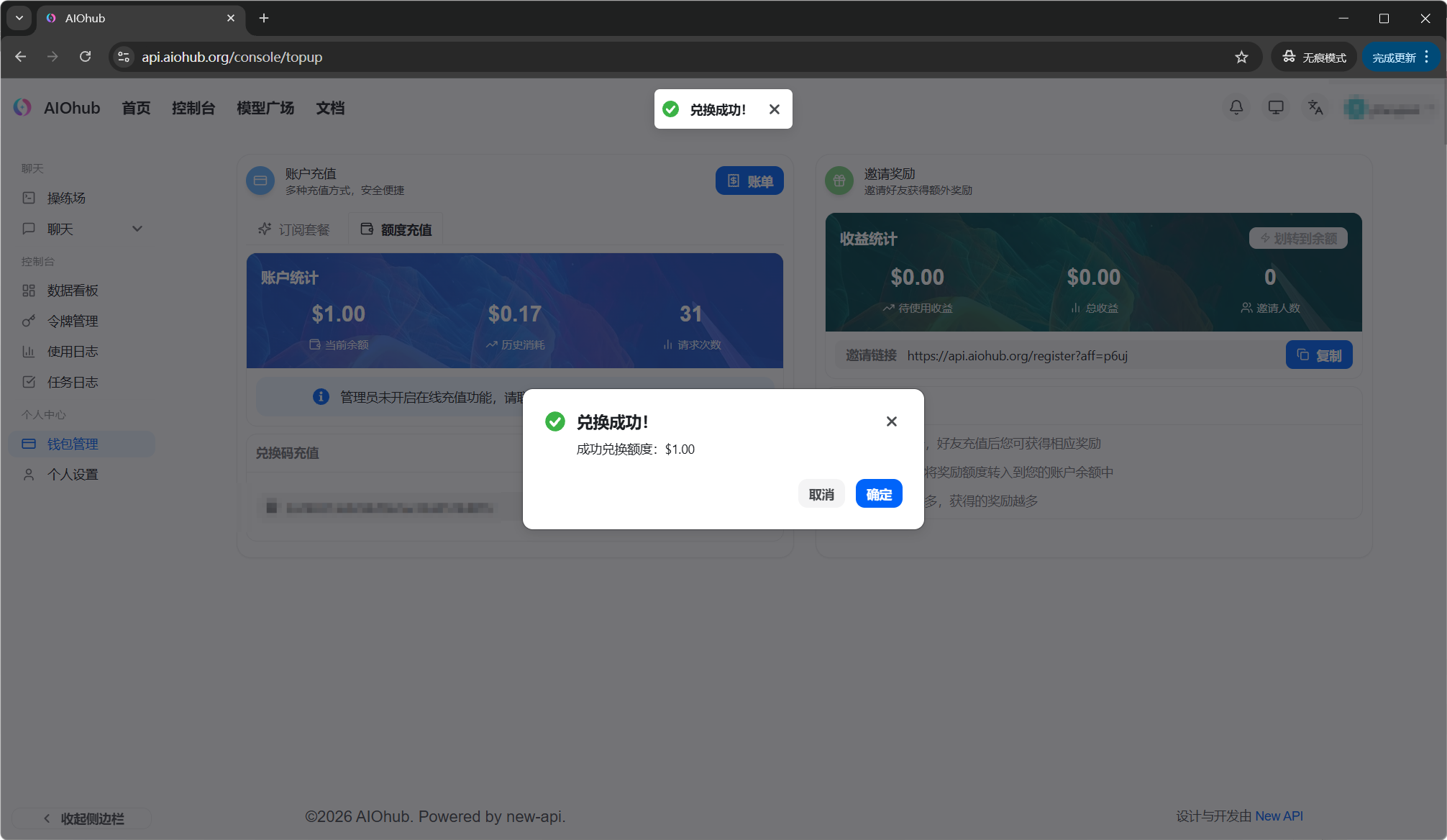
Open wallet management, choose an amount on the Add funds page, and complete payment.Contact an admin
Contact an admin by email: support@aiohub.org or admin@aiohub.org- Working hours: reply within 10 minutes
- Weekends: reply within 3 hours
- After midnight: admins are offline
Invoices
| Type | Notes |
|---|---|
| Mainland China VAT special invoice / general invoice | Requires an additional 6% VAT payment |
| Hong Kong invoice | Personal-account and company-account transfers are supported; confirm the tax amount by email |
| No invoice | No additional fee |
Subscription plans
If you use AIOHub continuously, you can also use a subscription plan. A subscription plan includes a fixed usage allowance. Usage beyond the plan is charged to your balance.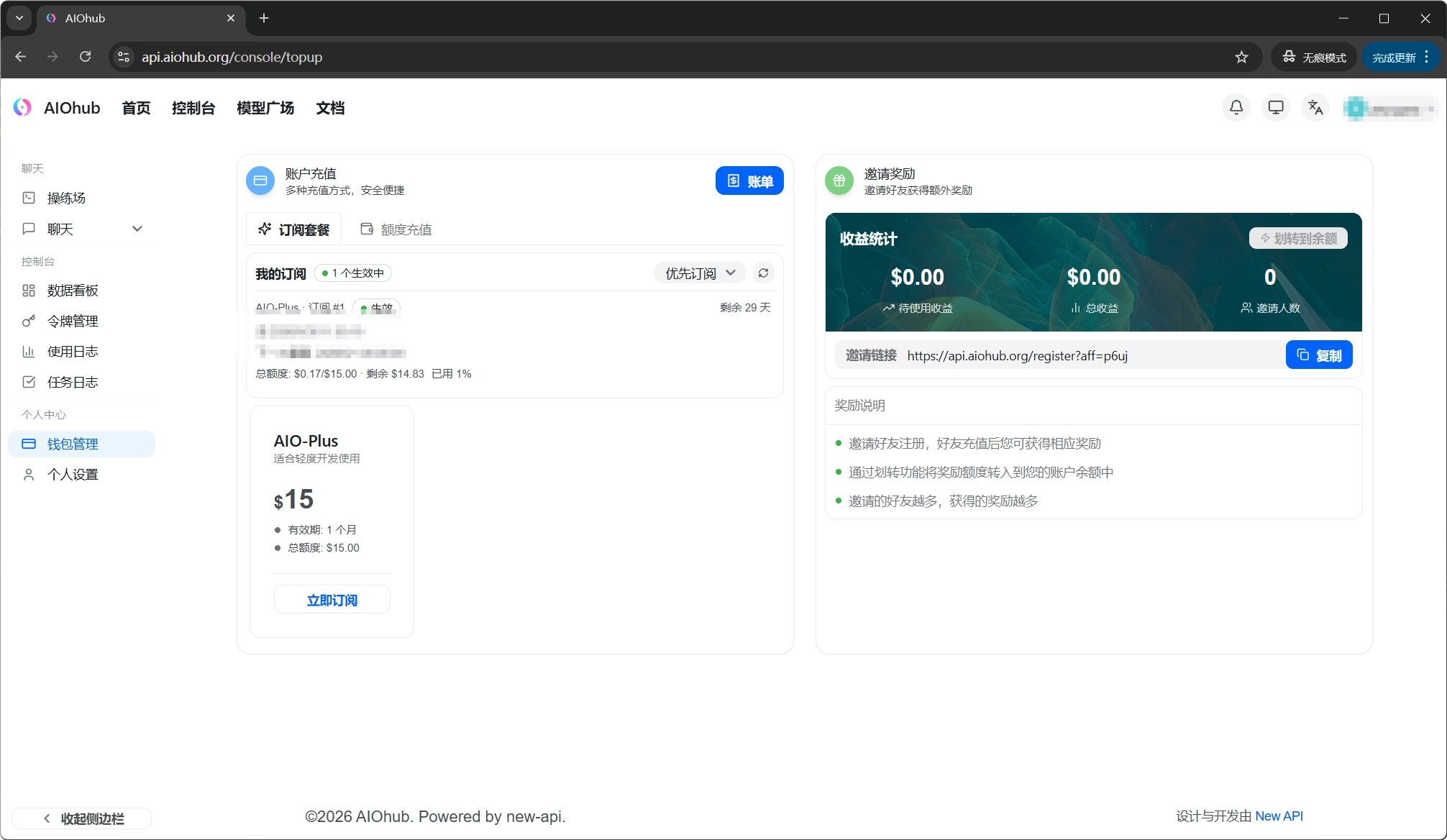
View usage
In the console Dashboard, you can view your balance and overall usage: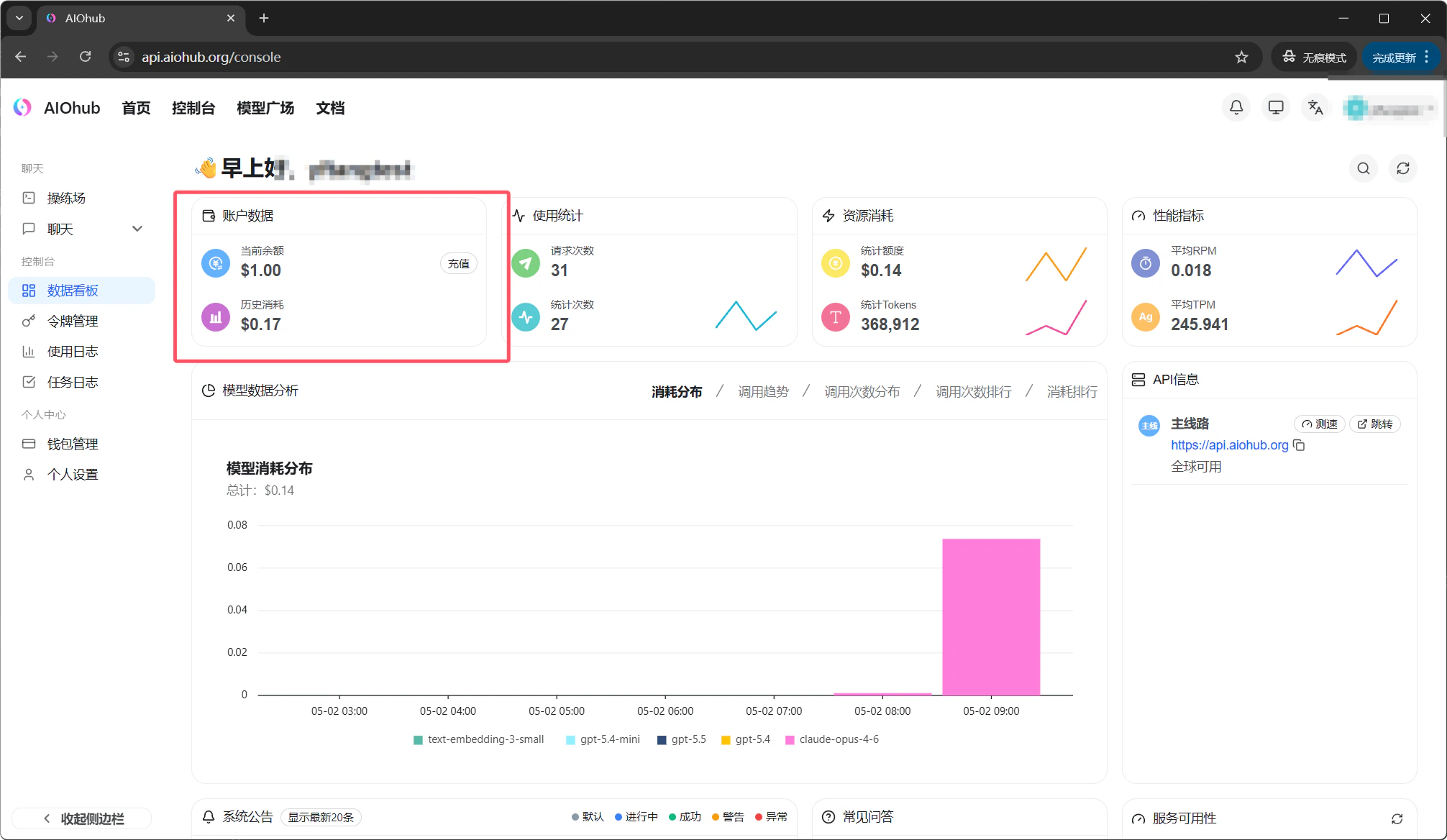
Insufficient balance
When your balance is too low for a request, API requests return an error. Once you add funds, requests resume without restarting the client.Payment processing times, accepted methods, refunds, and invoice rules follow the current console page and service announcements. Contact an administrator if you are unsure which path is available to your account.